
iOS 27 Release Date and How to Update: Full List of Supported Devices From iPhone 11 to iPhone 17 Pro Max
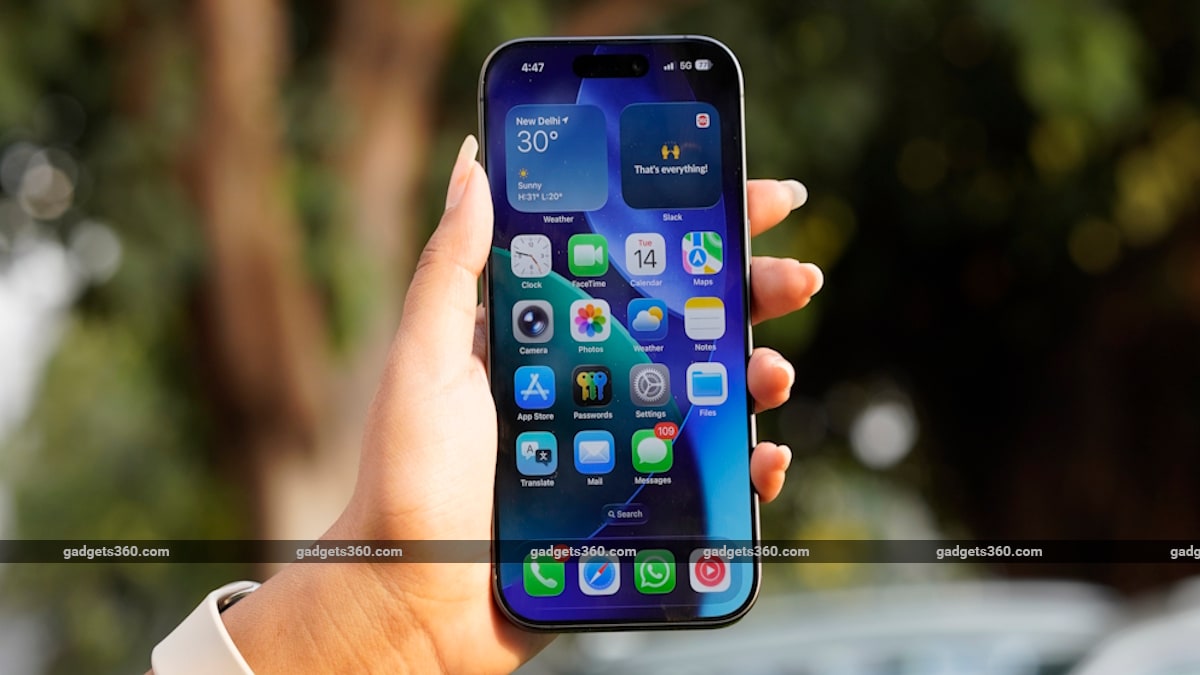

Apple rolled out the iOS 27 Developer Beta 1 update to registered developers on Monday, shortly after hosting the Worldwide Developers Conference (WWDC) 2026 keynote. The latest iteration of the iPhone operating system brings several improvements, including enhancements to the Liquid Glass design language, new features in Photos and Mail apps, and improved child safety features. Apple has also finally unveiled its smarter Siri, which was first promised at WWDC 2024.

While iOS 27 is scheduled to be publicly released later this year, those who want to try out all of the new features can download the iOS 27 Developer Beta 1 update.

iOS 27 Supported iPhones List

With iOS 27, Apple continues to support all of the same iPhone models as the previous update. The OS update is compatible with iPhone 11 and later models, along with iPhone SE (2020). Like previous years, the availability of Apple Intelligence features will be limited to iPhone 15 Pro models and later devices. Meanwhile, a handful of these enhancements are expected to be exclusive to the flagship iPhone 17 Pro models, too.

The full list of devices includes:

1. iPhone 16 Series
2. iPhone 15 Series
3. iPhone 14 Series
4. iPhone SE (2022)
5. iPhone 13 Series
6. iPhone 12 Series
7. iPhone 11 Series
8. iPhone SE (2020)

How to Install iOS 27 Beta 1 on an iPhone: Step-by-Step

Before installing the iOS 27 Developer Beta 1 update, iPhone users should note that these are pre-release versions of OS updates intended to test the latest features and apps for compatibility. While you may get a chance to try them out before the OS is rolled out widely, the update may contain bugs that may hamper the device's performance, battery life, or cause data loss.

Thus, Apple advises users to back up their data before installing the iOS 27 Developer Beta 1. With that out of the way, you'll need an Apple Developer account to access the update. Here's how to get it:

1. Navigate to beta.apple.com.
2. Tap the Signup button and enter your Apple ID
3. Read the Terms & Conditions and tap the Accept button if you're willing to comply.
4. Once an Apple Developer account is created, you must sign in on the iPhone with the same account to receive the beta updates.
5. Go to Settings > General > Software Update
6. Select Beta Updates and choose the Developer Beta option

When a new update is available for the iPhone, it will show on the updates page as long as the Developer Beta update option is selected. You can simply toggle the option off to stop receiving them.

Comments

Popular posts from this blog

Redmi Note 15 Pro 5G, Redmi Note 15 Pro+ 5G Launching Today: Know Price in India, Features, Specifications and More

Redmi Note 15 Pro 5G and Note 15 Pro+ 5G are all set to launch in India today. The new Redmi Note series smartphones are already available in global markets and will go on sale via Amazon. Ahead of the launch, the Chinese electronics giant has revealed several details about the smartphones. The company recently announced that the lineup features 200-megapixel rear camera units and 6.83-inch AMOLED displays. The Redmi Note 15 Pro 5G runs on a MediaTek chipset, while the Redmi Note 15 Pro+ 5G has a Snapdragon chipset under the hood. Read on for a comprehensive overview of the Redmi Note 15 Pro 5G and Redmi Note 15 Pro+ 5G, their expected prices in India, features, and detailed specifications. Redmi Note 15 Pro Series India Launch Details The launch of Redmi Note 15 Pro series will take place at 11:00am IST on Thursday. For a few days, the Xiaomi sub-brand has been teasing the lineup through its social media channels and a dedicated microsite on its website. Amazon has also created a dedi...

Apple Reaches 2.5 Billion Active Devices Worldwide as India Becomes a Key Growth Market

Apple's ecosystem now includes about 2.5 billion active devices around the world, according to CEO Tim Cook. During its recent earnings call, the Apple executive revealed the Cupertino-based tech giant's breadth of reach across iPhone, iPad, Mac, Apple Watch, and other products. It is seen as a new milestone for the company and reflects sustained demand for its hardware, especially the iPhone, in the last quarter, which was described as “staggering”. Apple's Earnings Call Revelations The 2.5 billion figure for active devices marks a significant milestone for Apple's ecosystem, Tim Cook said while revealing the company's fiscal 2026 first-quarter financial results (via CNBC). Previously, the company recorded 2.35 billion active devices in January 2025, up from 2.2 billion active devices in 2024. This translates to roughly 150,000,000 new devices added to Apple's active install base between 2024–2025 and 2025–2026. The figure includes key Apple products like iPhon...

Samsung Galaxy S26 Ultra Could Support Android Virtualisation Framework; Design Spotted in Leaked Renders

Samsung Galaxy S26 series is expected to be launched by the South Korean smartphone maker in the fourth week of February. The lineup will reportedly include the standard Galaxy S26, Galaxy S26+, and the flagship Galaxy S26 Ultra. While the tech giant has yet to confirm its rumoured unveiling, the Ultra's specifications and design have been surfacing online for a while. Now, a leaked code of an Android 16-based One UI 8.5 build suggests that the handset will ship with Android Visualisation Framework, allowing users to run developer tools. Additionally, the purported renders of the phone have been leaked, offering a peek into its design. Samsung Galaxy S26 Ultra Features, Design (Expected) Android Authority reports that the leaked One UI 8.5 build for the upcoming Samsung Galaxy S26 Ultra suggests that the smartphone will be launched with Android Visualisation Framework support. This means the handset will be able to run “proper” development tools, along with scripting utilities and ...